Read with context
Bring current imaging, priors and relevant study information into one organized workspace.
Review current and comparison studies in a responsive, multi-modality viewing environment built around radiologist workflows.
Designed for radiologists and authorized imaging professionals.
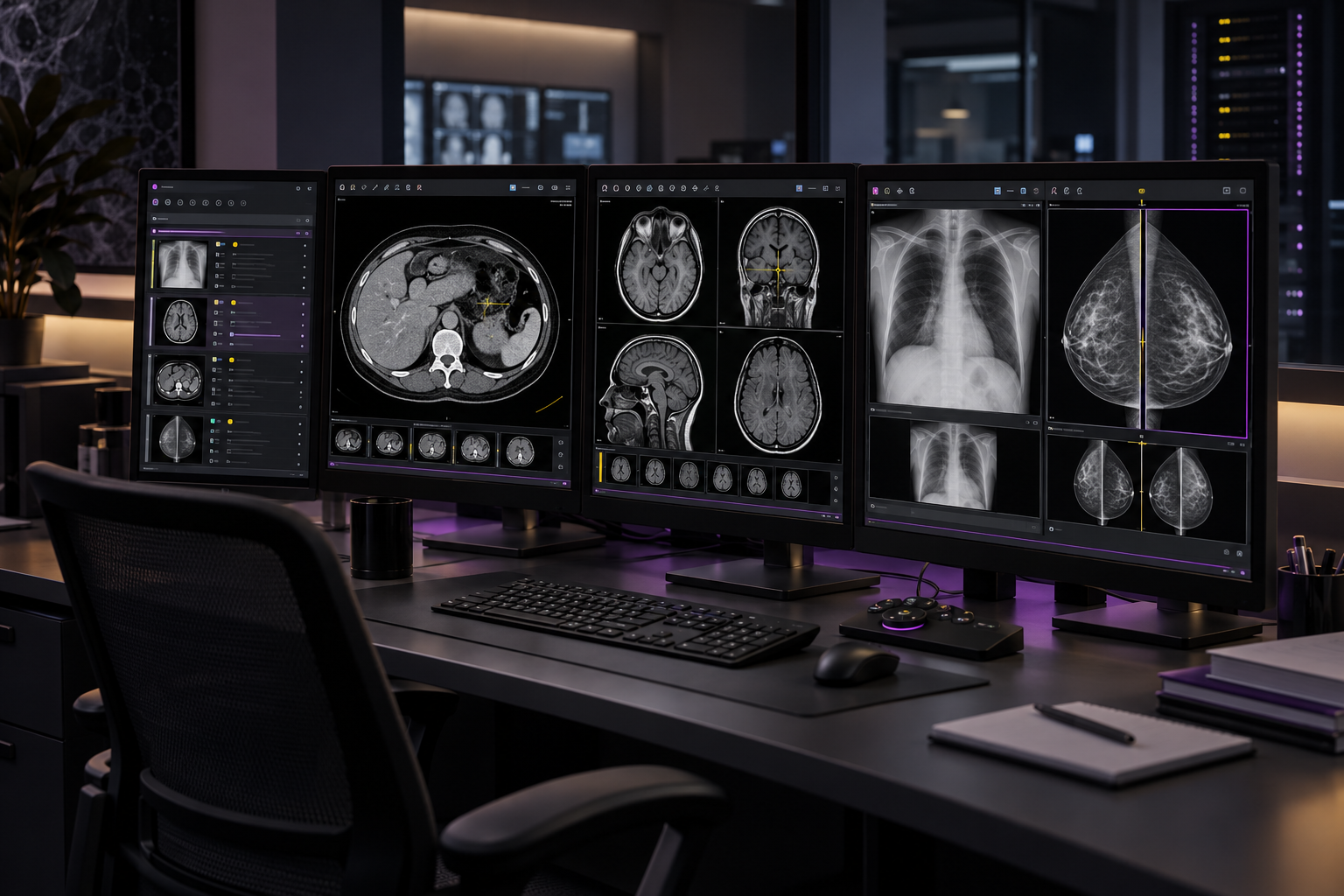
Bring current imaging, priors and relevant study information into one organized workspace.
Use configurable layouts and hanging protocols to prepare the viewport for the study type.
Support focused diagnostic workflows on approved single- and multi-monitor configurations.
Configuration, permissions and supported functions are confirmed for each organization during solution design.
Review CT, MR, XR, US, MG and other supported DICOM studies.
Configure layouts, series placement and comparison behavior for reading preferences.
Use measurements, annotations, windowing, zoom, pan and series navigation.
Align current and prior studies for efficient longitudinal review.
Support specialized layouts and systematic viewing patterns where configured.
Retain approved display, tool and workflow preferences for each user.
Launch the assigned study from the worklist.
Apply the relevant layout and hanging protocol.
Load approved prior studies and align series.
Navigate images and use diagnostic tools.
Move into the connected reporting workflow.
Return study status to the coordinated worklist.
Interfaces, identity, source-system ownership, data migration and exception handling are defined and validated during implementation.
Explore implementation servicesUser and organization-level protocols can be supported subject to configuration, governance and validated scope.
Yes. Authorized prior studies can be displayed beside the current examination with configurable layouts and series alignment.
Multi-monitor workflows are supported for approved environments. Display configuration and diagnostic-use requirements must be validated locally.
The viewer can be introduced within a broader integration architecture. Required image, worklist, identity and reporting connections are confirmed during design.
Discuss your current systems, workflows, integrations, users and deployment requirements with the Comiere team.